Introduction
Add user-held identity to your app.
VibeID gives websites and apps a simple way to request identity approval without taking custody of the user's keys.
vibe-id://sign
?p=signin.v1.request.nonce.issued.exp.origin
&c=https://example.com/api/vibe-id/callback
&k=signin
- 1Create a short-lived signin.v1 challenge
- 2Open vibe-id://sign or show a QR code
- 3Let VibeID ask the user for local approval
- 4Verify the returned DID and P-256 signature
Where to start
Start with the user-facing pieces, then choose your stack.
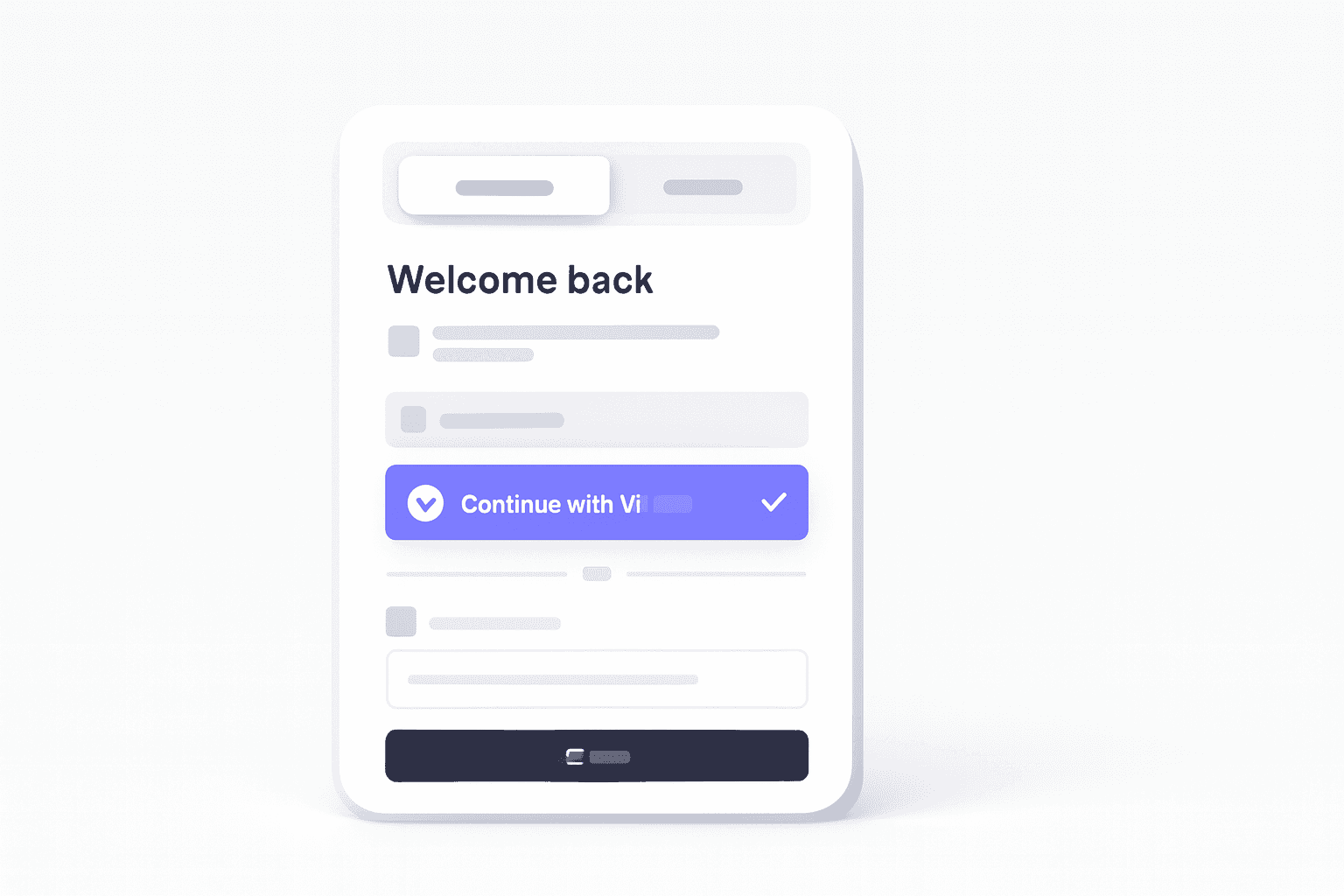
Add a VibeID sign-in button
Place VibeID next to Google, GitHub, SSO, email, or any login method you already support.
Open guide
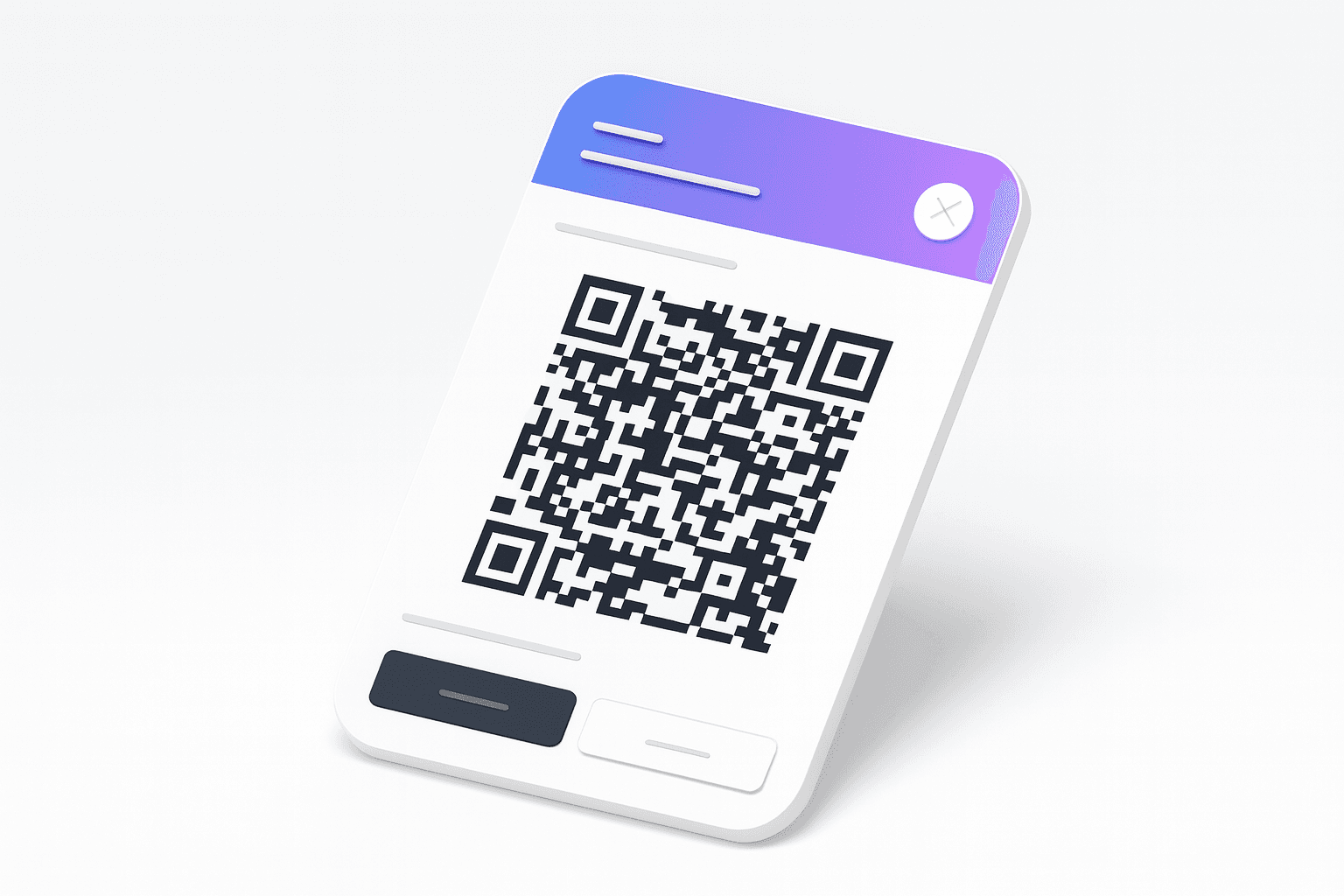
Use the branded approval prompt
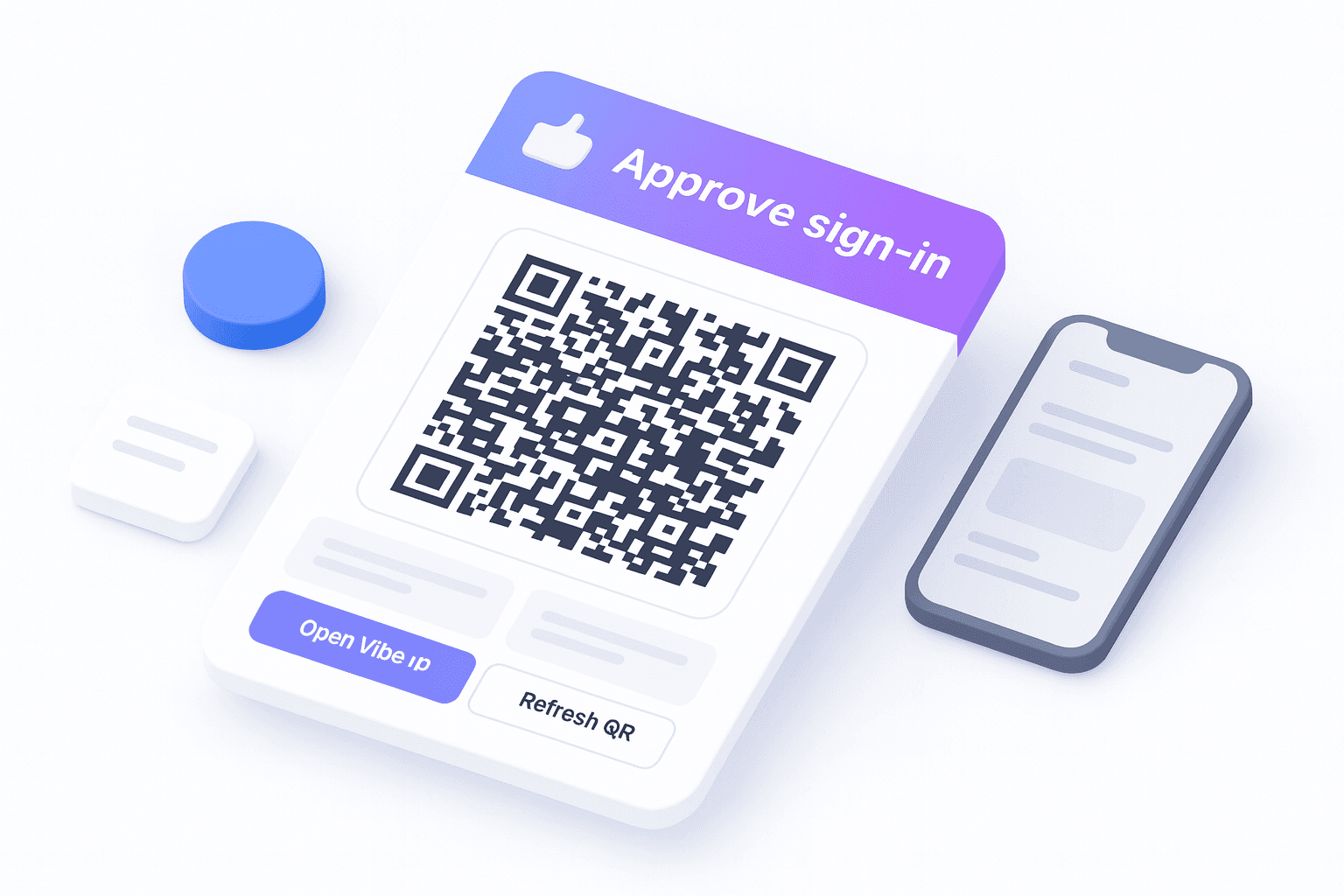
Show the VibeID QR/app approval prompt with mobile app launch and polling already handled.
Start with Next.js
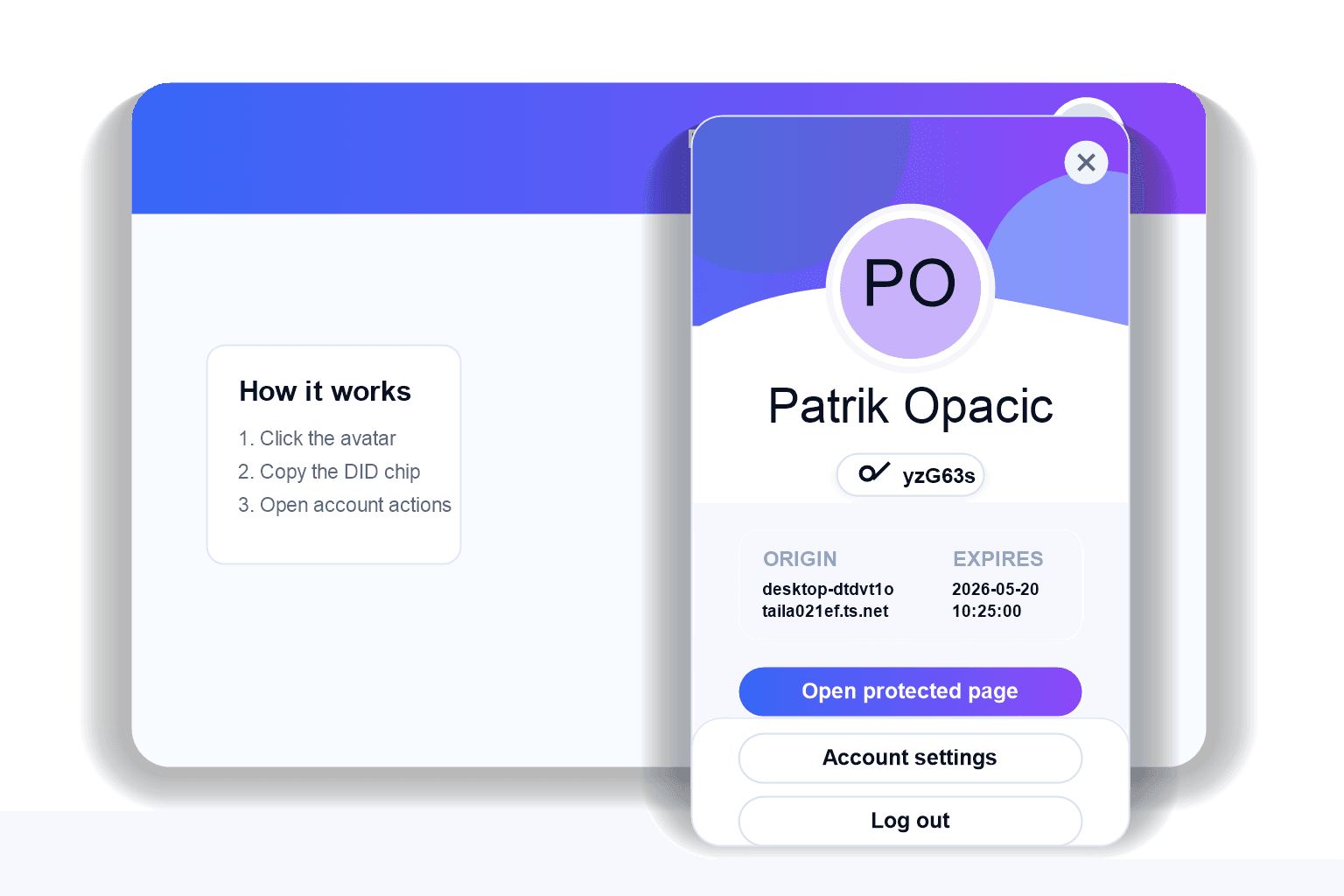
Add an avatar menu
Show the signed-in profile, copyable DID chip, account actions, and logout with one component.
Open guide
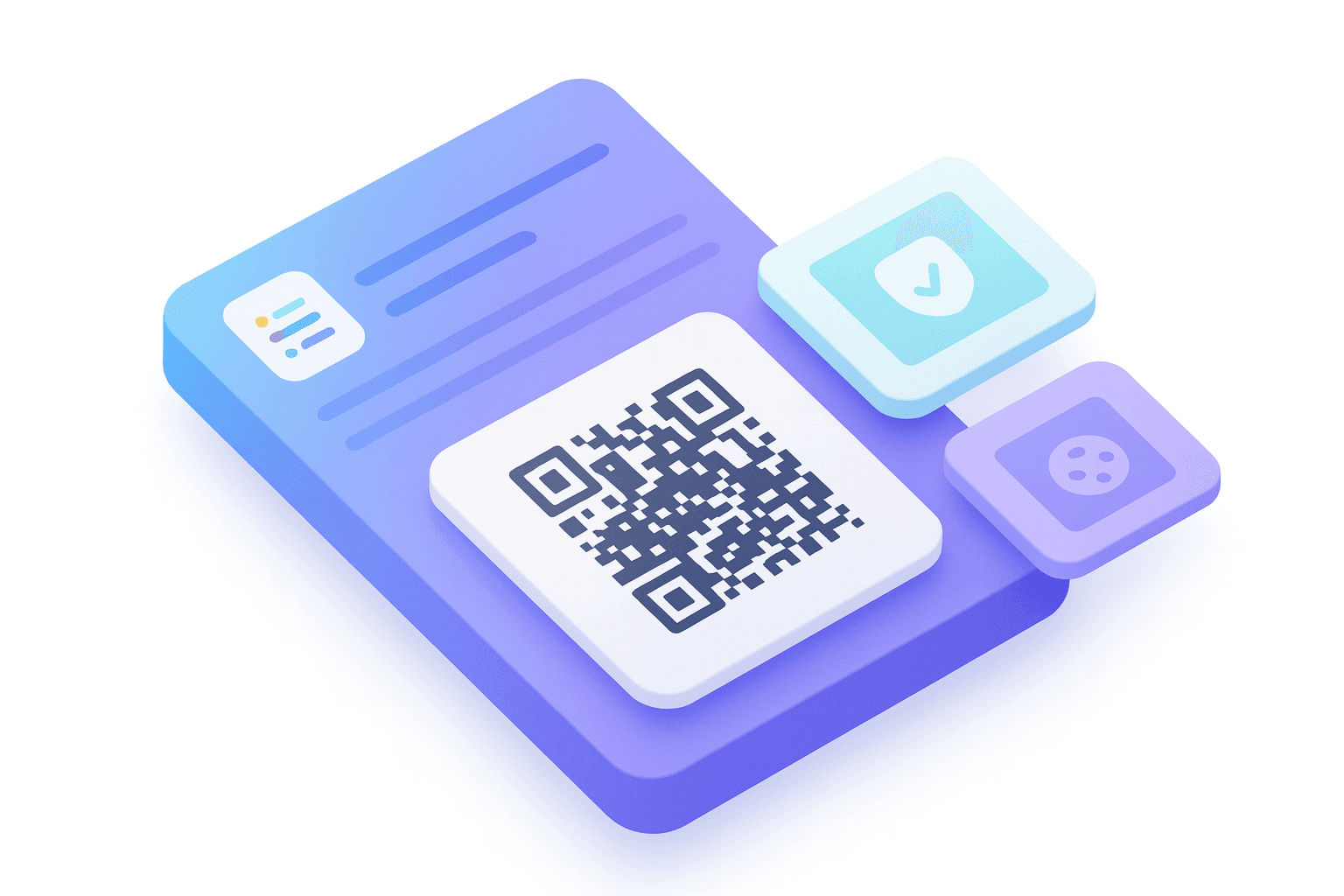
Protect pages and routes
Read the verified DID from the server session and use it to guard pages, APIs, and account data.
Read sessions
Build custom UI
Use headless hooks for your own button, QR modal, animations, and account surface.
Use hooks
Protocol
Small contracts, strong guarantees.
The protocol centers on the trust loop: request, consent, sign, callback, verify. It is small enough to integrate directly and explicit enough for users to understand what they approve.
DID format: did:vibe:p256:<base64url compressed P-256 key>
Algorithm: ECDSA P-256
Callback: HTTPS JSON POST with status ok or error
Private keys: never exported
App handshake
The user sees the approval. Your app verifies the proof.
Private keys stay in VibeID. Your app receives a DID, signature, algorithm, request id, and status after the user approves.
Read the concepts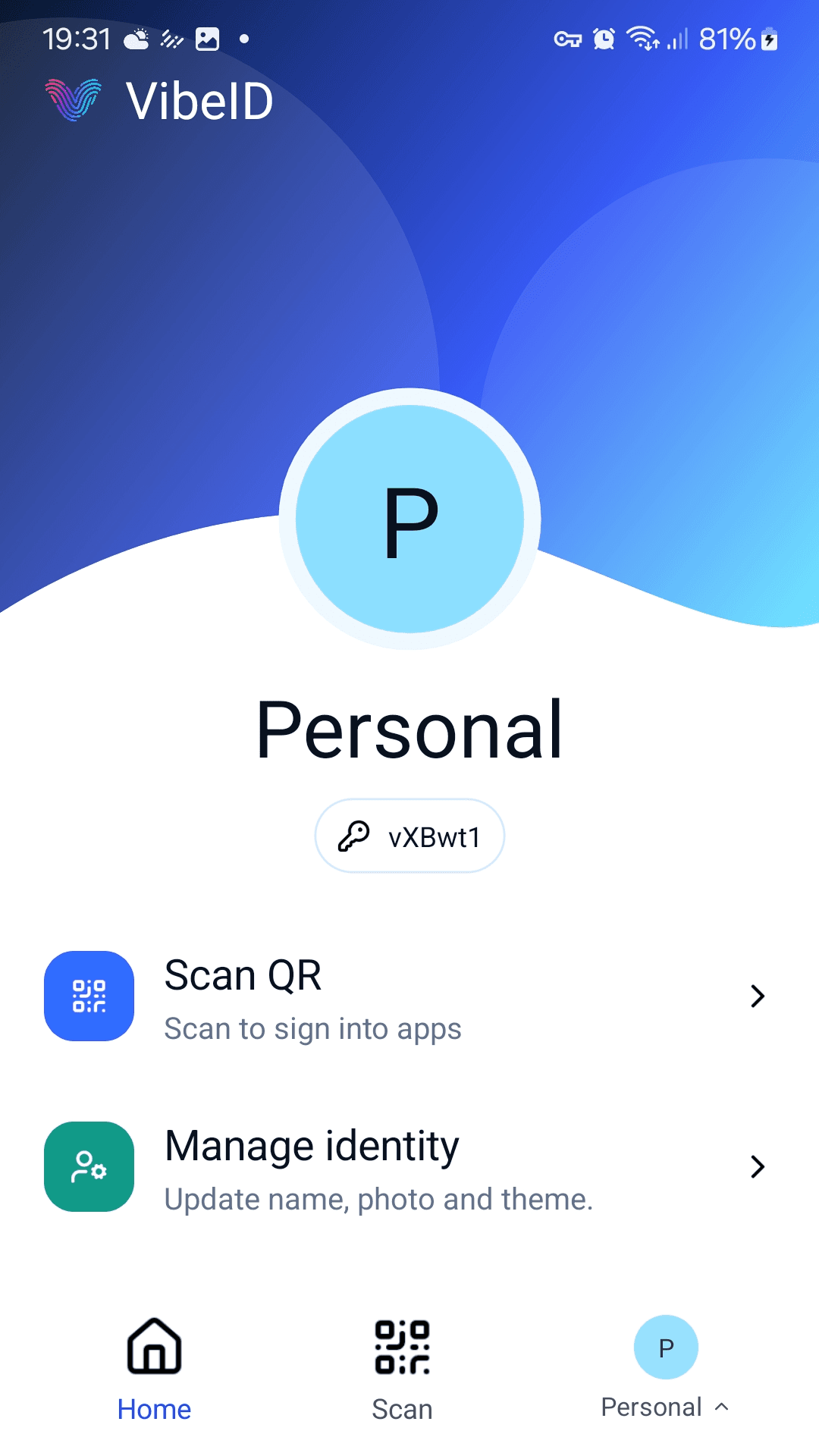
Sign-in flow
Browser
Create request
Calls your Next.js route to create a short-lived sign-in challenge.
App server
Store challenge
Stores the original challenge by request ID and returns a VibeID deep link.
Browser
Show QR
Renders the deep link as a QR code and starts polling request status.
VibeID
User approves
Scans the QR code, shows the origin, and asks the user to approve signing.
VibeID
Callback
Posts DID, signature, algorithm, and request ID to your callback route.
App server
Verify proof
Verifies the signature over the stored challenge and creates a browser session.