Guide
Add the VibeID avatar menu.
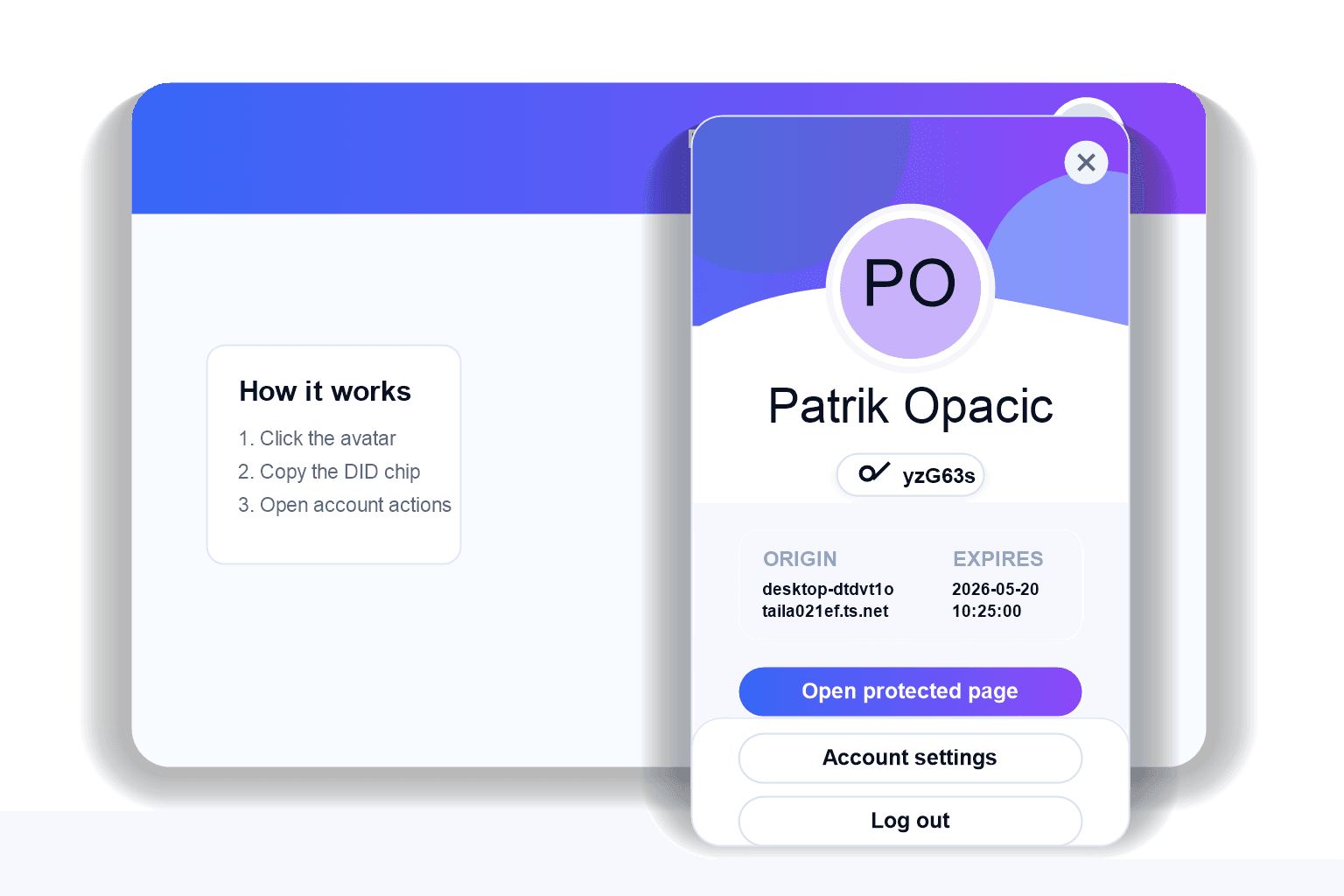
Show a compact signed-in state with profile, DID copy, account actions, and logout.
Use the identity menu
The menu starts sign-in when no session exists. After sign-in, it becomes the avatar trigger and account menu.
"use client";

import "@vibe-id/react/styled.css";
import { VibeIdIdentityMenu } from "@vibe-id/react/styled";

export function HeaderAccount() {
  return (
    <VibeIdIdentityMenu
      signInLabel="Sign in"
      accountHref="/account"
      accountLabel="Account"
      actions={[{ label: "Settings", href: "/settings" }]}
    />
  );
}