Guide
Build a VibeID-only sign-in page.
Use one component when VibeID is the main way users create or access an account.
Render the complete sign-in flow
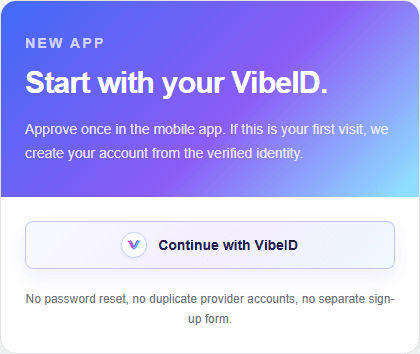
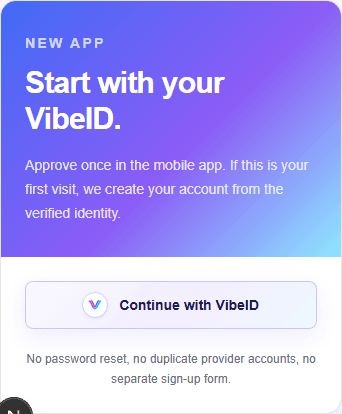
VibeIdSignIn combines the styled provider button with the approval prompt and closes after a verified session.
"use client";

import "@vibe-id/react/styled.css";
import { VibeIdSignIn } from "@vibe-id/react/styled";

export function SignInPage() {
  return (
    <VibeIdSignIn
      buttonProps={{ label: "Sign in with VibeID" }}
      onAuthenticated={() => {
        window.location.href = "/account";
      }}
    />
  );
}
Account mapping
VibeID proves control of a DID. Your app decides whether first approval creates an account, signs into an existing account, or links VibeID to another account record.